Simple Clicking Gameplay
The core loop takes seconds to learn: click the main object and watch your score grow. No tutorial, no complicated controls.
Roblox Clicker is a Roblox-inspired clicking game made with Scratch, and you can play it right here. Press play, click the green coin, listen to the game's sounds and watch your score climb as high as you can push it. There is nothing to install and no account to create. Below the game you will find controls, tips, honest notes on codes and answers to common questions.
 Play Roblox Clicker
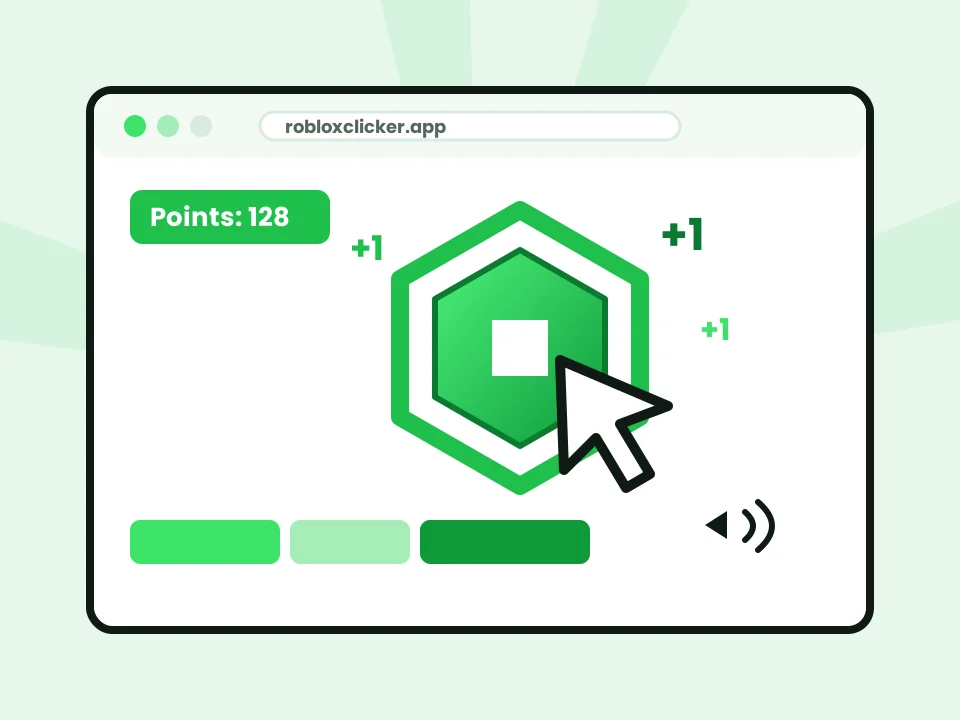
Roblox Clicker is a fan-made clicker game with a Roblox theme, created with Scratch and played on this site through TurboWarp, a fast Scratch player that runs in your browser. The idea is classic clicker gameplay: every click on the green coin adds to your score, with sound effects as you go, and the number keeps rising the longer you play.
It is not an official Roblox experience, it is not hosted on roblox.com, and it has no connection to your Roblox account. The Robux-style points you collect are just numbers inside the game. They are not real Robux and cannot be spent, transferred or cashed out anywhere.
You can learn Roblox Clicker in under a minute. Follow these steps, and always go by what the game itself shows on screen.
Press the big play button in the hero. The game loads in a few seconds and starts on its own; if a green flag appears instead, click it once.
Click or tap the main object on the game screen. Each click adds to your counter, and the game's sound effects play as you go.
Watch your score climb and look out for any rewards or bonuses the game shows on screen as your total grows.
Check the buttons and menus the game offers. If it has upgrades to buy with points, compare their prices before spending.
Note your best total or set a timer, then play again and try to top it. Write your record down in case the game resets.
Here is what you get when you play Roblox Clicker on this site. We only list what holds true for the game and leave out promises such as global leaderboards that we cannot confirm.
The core loop takes seconds to learn: click the main object and watch your score grow. No tutorial, no complicated controls.
A bright green Robux-style coin and familiar blocky Roblox style, created by a Scratch creator as a fan game.
Every click turns into points on screen. Rewards and Robux-style totals exist only inside the game and have no value outside it.
The game plays with its own sound effects right in the hero player. Turn your volume up for the full clicking experience.
Made with Scratch and run by the fast TurboWarp player, so it starts quickly and runs smoothly in your browser.
No download, no account and no payment. Press play at the top of the page and start clicking.
Roblox Clicker keeps controls minimal: you click or tap on the game stage. The player adds a green flag to restart and a fullscreen option. We have not confirmed any keyboard shortcuts for this game, so we do not list any.
| Action | How to do it |
|---|---|
| Start the game | Press “Play Now” in the hero; click the green flag if it appears |
| Earn points | Left-click the main clickable object |
| Use game buttons | Click any on-screen buttons the game shows |
| Touch screens | Tap instead of clicking |
| Sound | Plays automatically; use your device volume |
| Fullscreen | Press Fullscreen under the game; press Esc to exit |
There is no secret trick that multiplies your score, but a few good habits make a real difference.
A steady rhythm beats frantic bursts. Keep your pointer resting on the click target so every click lands, and relax your hand between rounds.
If the game offers upgrades, buy cheaper ones that boost points per click early, then save for bigger items instead of spending every point instantly.
Read every message the game shows. Some Scratch clickers add bonus objects or events; don't waste time hunting for ones the game does not include.
Write down your best score or set a one-minute timer. Competing with yourself keeps the game fresh, especially if progress resets.
Codes in a Scratch game only exist if the creator built a code system into that specific game. Different versions and remixes of Roblox Clicker can have different codes, or none at all, which is why code lists online often disagree.
Updates also come from the creator. When they update the shared project, the player in the hero loads the latest version automatically.
We could not confirm any working codes for this version of Roblox Clicker, so we do not publish a code list. A code mentioned elsewhere, “Roblox2024”, has not been verified by us.
Playing online means you can jump straight into Roblox Clicker from the top of this page. It is a light, casual game that fits into a short break, and its Roblox-inspired style feels instantly familiar.
You can usually play Roblox Clicker in a phone or tablet browser, because the player works on mobile and a tap counts like a mouse click. Scratch games are designed mainly for computers, though, so on small screens buttons may be tiny and older devices can lag. Results vary by phone and browser.
Roblox Clicker looks familiar, but it works very differently from games you play inside Roblox. It is a Scratch fan game in your browser, while Roblox games run on Roblox’s own platform with Roblox accounts and official Robux.
| Topic | Roblox Clicker (this site) | Games on Roblox |
|---|---|---|
| Made with | Scratch, by a community creator | Roblox Studio, by Roblox developers |
| Where it runs | In the browser, in this site's hero player | The Roblox app or Roblox website client |
| Account needed | None | A Roblox account |
| Currency | In-game points with no real value | Official Robux, bought from Roblox |
| Connection to Roblox | None; fan-made and unofficial | Official platform |
Straight answers to the questions people ask most about Roblox Clicker, from free play and controls to codes, versions and Robux.
Roblox Clicker is a Roblox-themed clicker game made with Scratch. On this site it plays right in the hero section through the TurboWarp player, complete with its own sound. You click to raise your score, and depending on the version, you can spend that score inside the game. It is fan-made and not part of the Roblox platform.
Yes. Playing Roblox Clicker on this site costs nothing. There is nothing to buy and no account to create; press the play button at the top of the page and start clicking.
Yes. The game runs inside the player at the top of the homepage, so there is nothing to install. You only need an internet connection and an up-to-date browser, because the game is loaded online each time you press play.
Press the big play button in the hero, wait a few seconds for the game to load, then click the main object on the game screen to add to your score. Turn your volume up to hear the game's sounds, read any on-screen menus, and keep clicking to beat your best result.
Points come from clicking the main clickable object on the game stage. Many Scratch clickers also let you unlock items that raise your points per click or add points automatically. Watch the counter on screen to see exactly what increases your total.
The main control is a left mouse click, or a tap on a touch screen, on the clickable object and on-screen buttons. The player also has a green flag to restart the game and a fullscreen option. We do not list keyboard shortcuts because none are confirmed for this game.
Often, yes. The player works in modern mobile browsers and a tap counts like a click. Scratch games are designed mainly for computers, though, so on small phones some buttons can be tiny and older devices may lag. Landscape mode and fullscreen help.
Yes. A laptop or desktop with a current browser such as Chrome, Edge, Firefox or Safari is the most comfortable way to play. A mouse gives you faster, more accurate clicks than a trackpad.
No. Any Robux-style points inside the game are just numbers in the Scratch project. They are not connected to your Roblox account and cannot be transferred, withdrawn or spent on Roblox. Real Robux only come from Roblox itself.
No. Roblox Clicker is a fan-made Scratch game inspired by Roblox. It is not made, hosted, endorsed or sponsored by Roblox Corporation and does not run in the Roblox app.
Codes only work if the game you are playing has a code box built in by its creator. We could not confirm any working codes for this version, so we do not publish a code list. Codes seen elsewhere, such as “Roblox2024”, are unverified and may belong to a different version.
If the game shows a codes button or text box, type the code exactly as the creator wrote it, including capital letters, and confirm with the game's own button. Codes only work inside that game. Never enter a Roblox password, email or payment details to get a code.
Updates come from the game's Scratch creator. When the creator updates the shared project, the player on this site loads the newest version automatically the next time you press play.
Yes. Roblox Clicker is a Scratch project, and many similar Roblox-themed clicker projects and remixes exist on Scratch. This site plays it through TurboWarp, a faster Scratch player, so you can enjoy it without leaving the page.
There is no confirmed official “Roblox Clicker 1” and “Roblox Clicker 2” series. On Scratch, creators and remixers add numbers to their own titles, so a “2” is often someone's remix. Compare the creator, features and notes of each version yourself.
Not necessarily. A remix starts as a copy of another Scratch project, but the remixer can change prices, add or remove features, or add fake menus. That is why codes and features from one version often do not work in another.
The game is real and playable. The rewards are not real-world rewards: points and items stay inside the game. No legitimate clicker game can send Robux, gift cards or money to your account.
We have not found an admin mode in this version. Some Scratch remixes use “admin” in their titles, and some even call themselves fake. A hidden admin panel in a Scratch game only changes numbers in that game and never gives power over Roblox accounts.
We do not recommend it. A “hacked” version only shows bigger in-game numbers, which removes the fun. Downloads, extensions or sites promising hacked versions with real Robux are common ways to steal accounts or spread malware.
Check your internet connection, reload the page and press play again. Try another browser, turn off ad or script blockers for this page, and check that a school or work network is not blocking games. Our troubleshooting guide covers more fixes.